
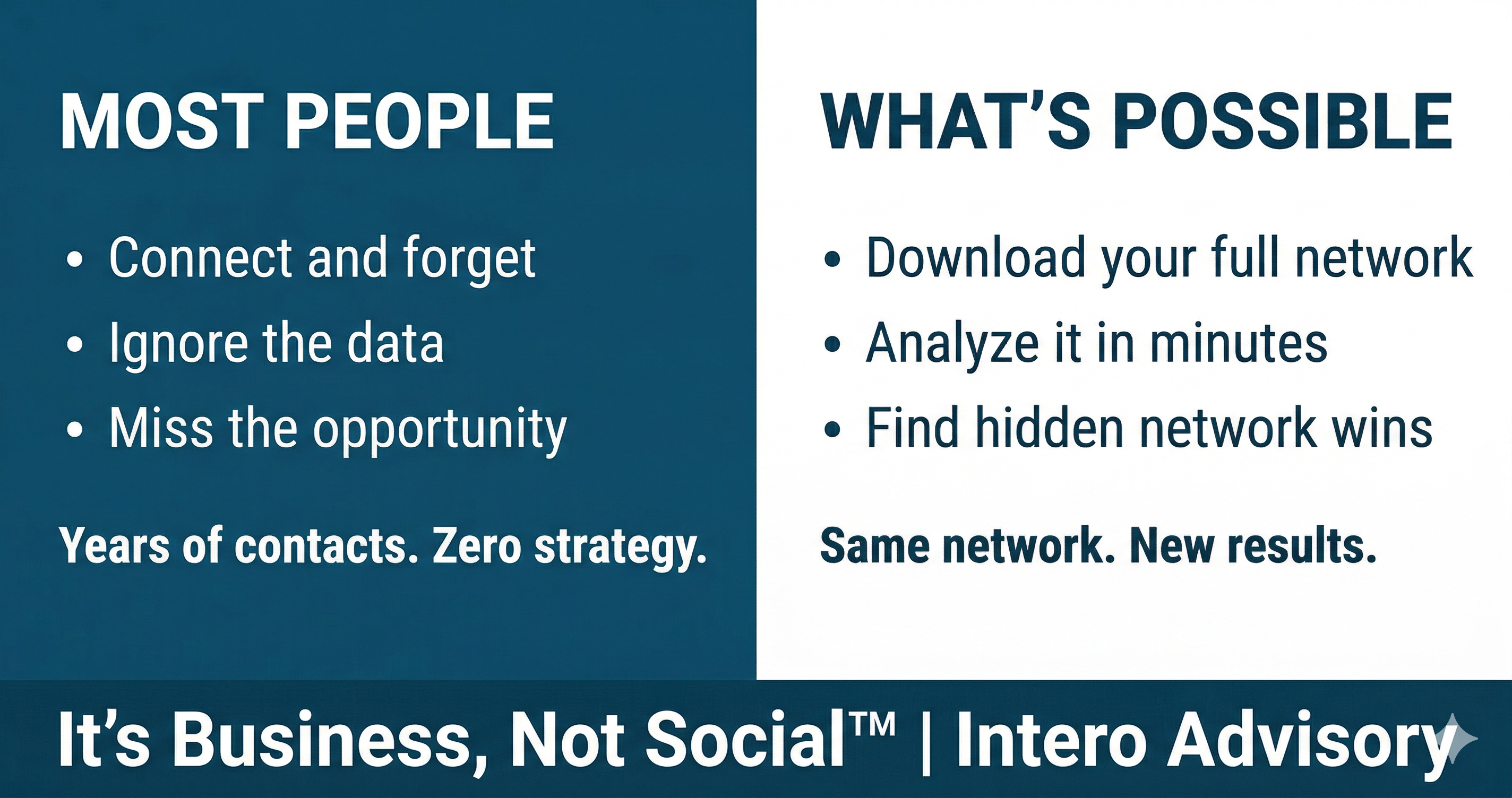
Professionals spend years building their LinkedIn network and yet most have almost no idea the value they actually have.
They know roughly how many. They recognize “most” names when they scroll. But ask them who their top referral sources are, where the gaps are, which industries are they most connected to, or when they last connected with someone in a specific role, and they will say something like, “I have tried to remember to send a connection when I can and I have done a couple different things to grow my network over the years, but it is mostly random.”
What we are doing is just accumulating contacts. Building an address book.
Data privacy regulations require LinkedIn to give you access to your own data. Did you know that? If you have attended an Intero Advisory training you should. What you get along with other valuable information is your entire first-level network as a spreadsheet. Every connection, their name, current title, company, profile URL, and the date you connected. In some cases their email address too, depending on their privacy settings (we typically see less than 10% have emails). It takes about two minutes to request and up to 24 hours to arrive (used to be faster). The feature exists because of compliance. The opportunity to leverage it is entirely yours.
Why This Matters More Than Most LinkedIn Advice
Your first-level connections are your most valuable asset on the platform. They are the people LinkedIn typically shows your content to first. They are the warm introductions waiting to happen. They are the former colleagues, clients, referral partners, and industry peers you've accumulated over years. Most of them should know who you are or at least recognize you.
They are also sitting completely unexamined in most people's accounts.
Downloading your connections isn't a data exercise. It's a moment of clarity. You can see your network as a whole, its composition, its relevance to your current goals, and its gaps.
What the Data Actually Contains
The Connections CSV includes six columns: First Name, Last Name, Profile URL, Email Address where visible, Company, Position, and Connected On. Simple columns. But the picture they paint together is something you need to leverage Sales Navigator to see.
Most people who do use it, open the file, scroll for thirty seconds, and close it. You might as well just click the 1st level connections filter in LinkedIn.
What You Can See That You Can't See Any Other Way
When you actually work the spreadsheet, a few things become immediately visible.
You can see who is in your network by role and by company. Most people are surprised. Former colleagues from jobs they left a decade ago are now in a new role, at a new interesting company.
Contacts from industries they no longer work in who could be referral partners.
Decision-makers at companies they've been trying to reach, already connected, never engaged.
You can see the gaps. If you're trying to reach hiring managers and there are none in your network, you know exactly what to build toward. If your network skews toward one industry or one type of role, you can see that pattern and decide whether it serves your current goals.
You can see recency. The ‘Connected On’ column tells you who you've added recently versus who you forgot about that you connected to in 2011. It gives you a starting point for deciding who deserves a re-engagement and who to let stay quiet.
Before You Share This Data With an LLM
Pasting your connections into an AI tool is useful. We built a product around this almost 3 years ago. It also means sharing names, companies, job titles, and in some cases email addresses with a third-party platform. That's worth thinking about first.
Most major LLM chatbots, including ChatGPT, Claude, and Gemini, have settings that control whether your inputs are used to train future models. Check those settings before you paste anything sensitive. Paid versions typically offer stronger privacy protections than free tiers.
If you'd rather not share personal contact information, de-identify the file first. Add a Record ID column and number each row sequentially. Then remove First Name, Last Name, Email Address, and URL before sharing. You still have Company, Position, Connected On, and your Record ID. That's enough to run the analysis.
When you want to act on a result, reference the Record ID back to your original file to find the person or merge the data back in. A few minutes of prep, and you're sharing role and company data rather than all the information.
What an LLM Can Do With This Data
Paste your CSV into ChatGPT, Claude, or any capable LLM and start with these prompts.
"What are the top 15 job titles in this network, you can batch them based on similarity and how many connections hold each one?" This tells you exactly who your audience is and whether it matches who you're trying to reach.
"Which companies appear most frequently and how many connections do I have at each?" Multiple connections at the same company is often where the warmest introductions live. It is also a way LinkedIn signals relevancy. Think more connections and follows to a company more likely LinkedIn shows them your content.
"Show me everyone I connected with in the last 90 days." Pretty quick tell on if you are actively building new relationships.
"Based on the job titles and company names in this list, what industries are most represented and what content topics would resonate with this audience?" The LLM can infer industry from company names and role titles even without a dedicated column. It won't be perfect but it will be directionally useful. Most people write for an imaginary audience. This tells you who your actual audience is.
"Identify connections at companies where I have three or more people and list them." Multiple relationships at one account means more than one way in.
None of these require technical skills. You paste the data, ask the question, and read the output.
Turning the Analysis Into Action
The output of this exercise is a prioritized list, not a to-do list. That distinction matters.
Add a column for relationship type: former clients, active prospects, Centers of Influence, referral partners, alumni, industry peers worth nurturing. Start with the names you recognize and build from there.
Add a column for priority. Some connections are worth a direct outreach this week. Others belong in a long-term nurture. A few are worth an introduction request. Knowing which is which is the difference between strategic outreach and random activity.
If you want a deeper dive into what this is, look to Intero Insight, which is built specifically by us to analyze your LinkedIn network and surface what's worth acting on without the manual work.
We can even combine networks of multiple people in your company to get an idea of your collective network.
Why "Outside the Platform" Matters
Accounts get restricted. Platforms change. LinkedIn has locked, limited, and suspended accounts for many reasons often difficult to reverse. If that happens to you, your ability to contact the people in your network through LinkedIn disappears.
Your download gives you a backup. Names, titles, companies, dates, and the URL. That is enough to find people elsewhere, reconnect through mutual contacts, or at minimum know exactly who you've lost access to and how to start building it back up.
You've spent years building this network. It lives inside a platform you don't control. A two-minute request changes that.
Where to Start
Watch the tutorial above. It walks through the exact steps to request and download your archive. Once you have the file, open the CSV and run a few of the prompts above.
Look for the names you recognize immediately. Those are your warmest relationships. Look for the titles that surprise you, those are opportunities you haven't noticed yet. Look at the date column and find the people you connected with in the last six months who you've never spoken to again.
If you want help doing this analysis or turning it into a strategy, that's exactly what we do. We've been helping B2B leaders see, build, and activate the network they already have since 2011. The data is yours. We can help you make sense of it.
That is the beginning of working your network instead of just having one.
Colleen McKenna is the founder of Intero Advisory. Since 2011, she has helped B2B leaders see, build, and activate the network they already have. It's Business, Not Social™ is the methodology.

